
One marketplace. Three journeys. No chasing.
This is the full FIX UP flow — what a customer sees from “my sink is leaking” to a paid, reviewed job, what a verified provider sees from sign-up to money in their account, and how suppliers keep every job stocked with materials.
-
Create your account
Sign up in under a minute — just your name, phone, and email.
-
Describe the job
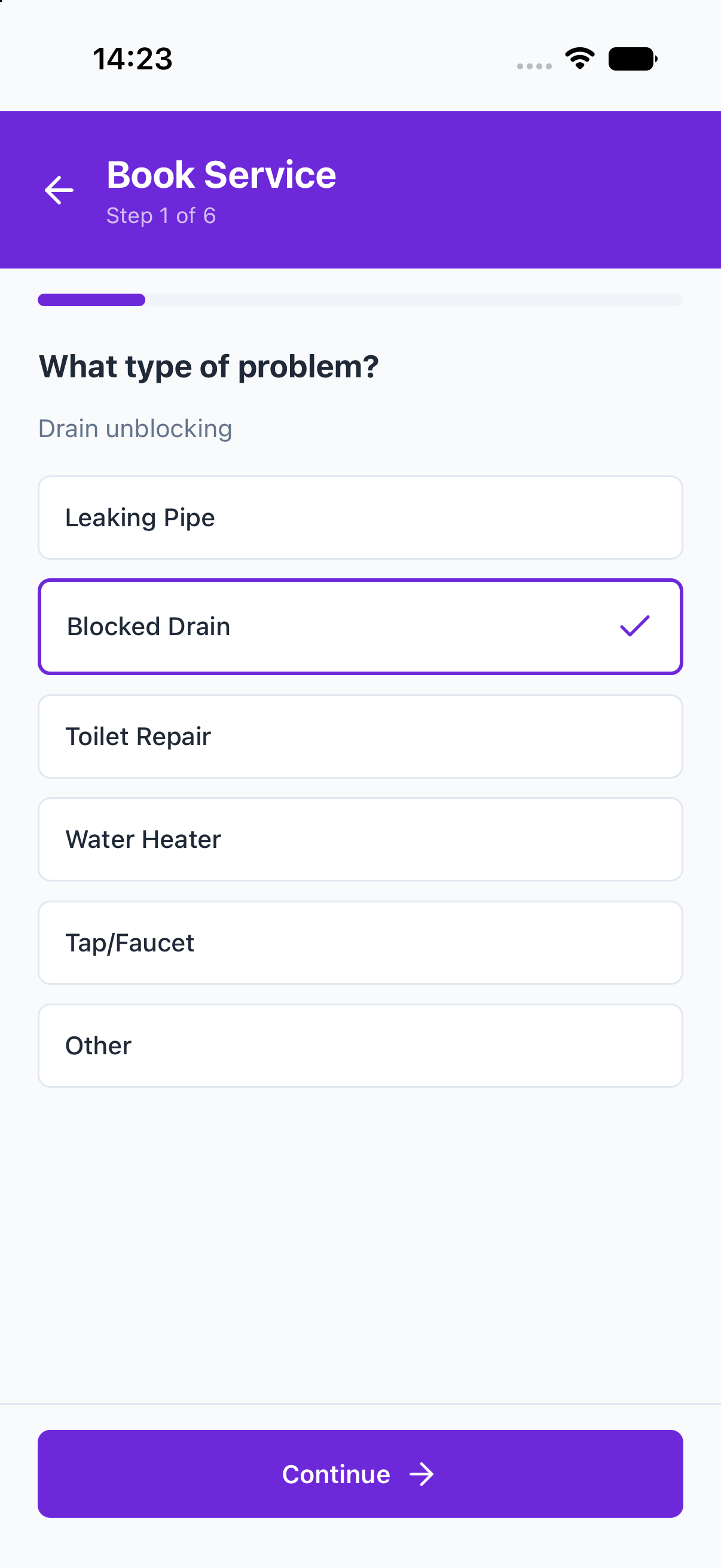
Pick a service, answer a few guided questions, and share only your general area.
-
Compare quotes
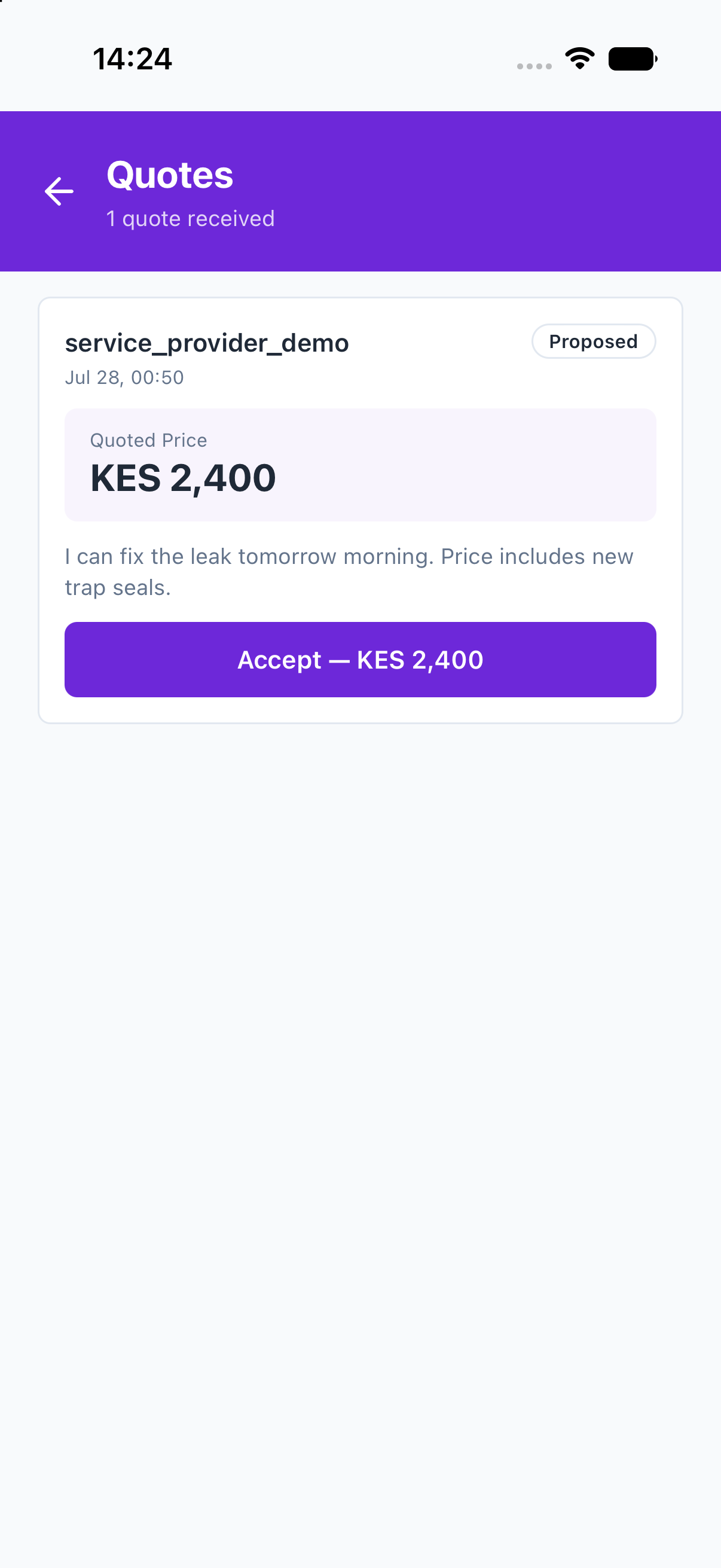
Verified providers respond with real prices. Review and accept the one you trust.
-
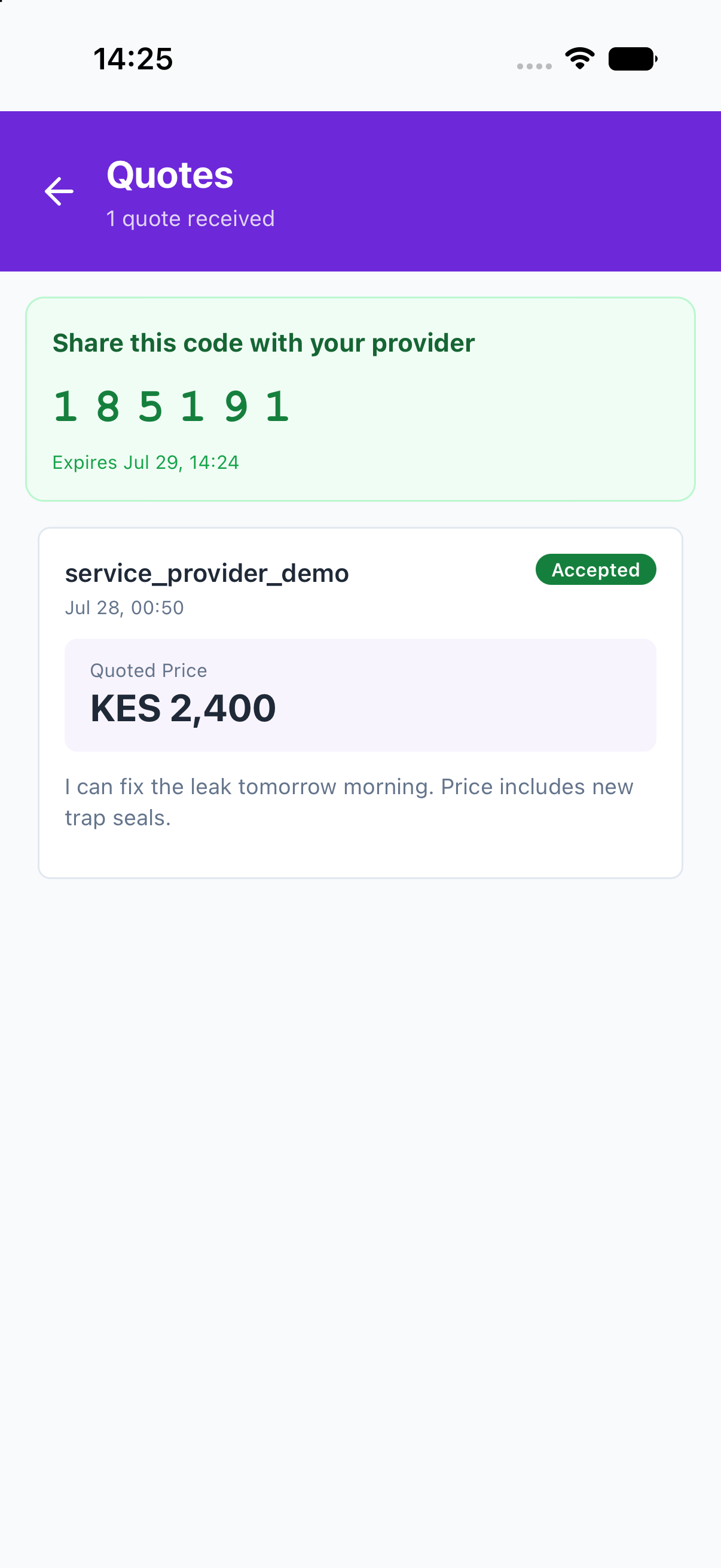
Share your code
Your private 6-digit code confirms the match and unlocks your exact location — only for your chosen provider.
-
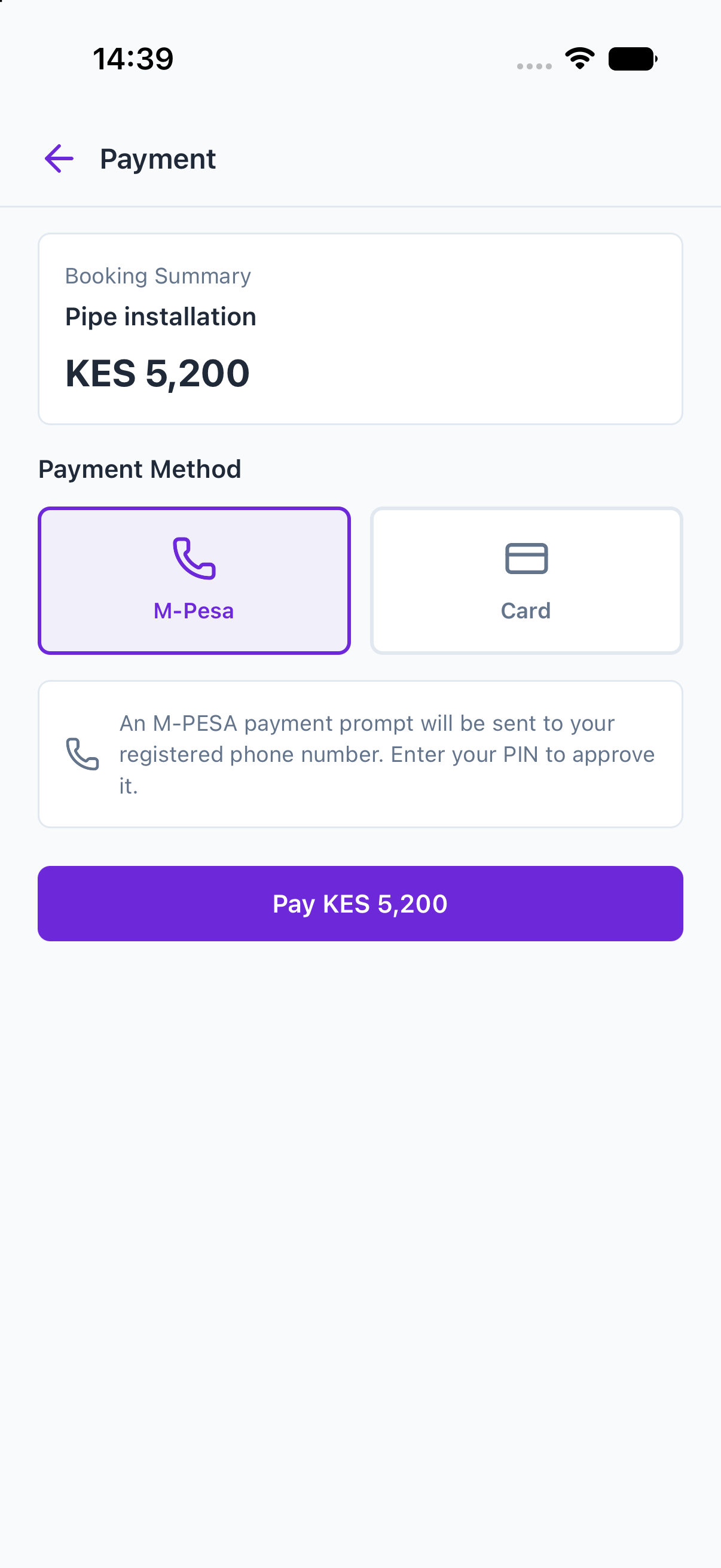
Pay with M-PESA
When the job is done, pay in the app. One prompt, one payment — with a receipt.
-
Rate the work
Your review feeds the provider’s public rating and keeps quality visible.
-
Join & get verified
Sign up, upload your ID and details once. A human reviews every application.
-
Set your services
Choose what you offer and your own prices — that’s what customers see.
-
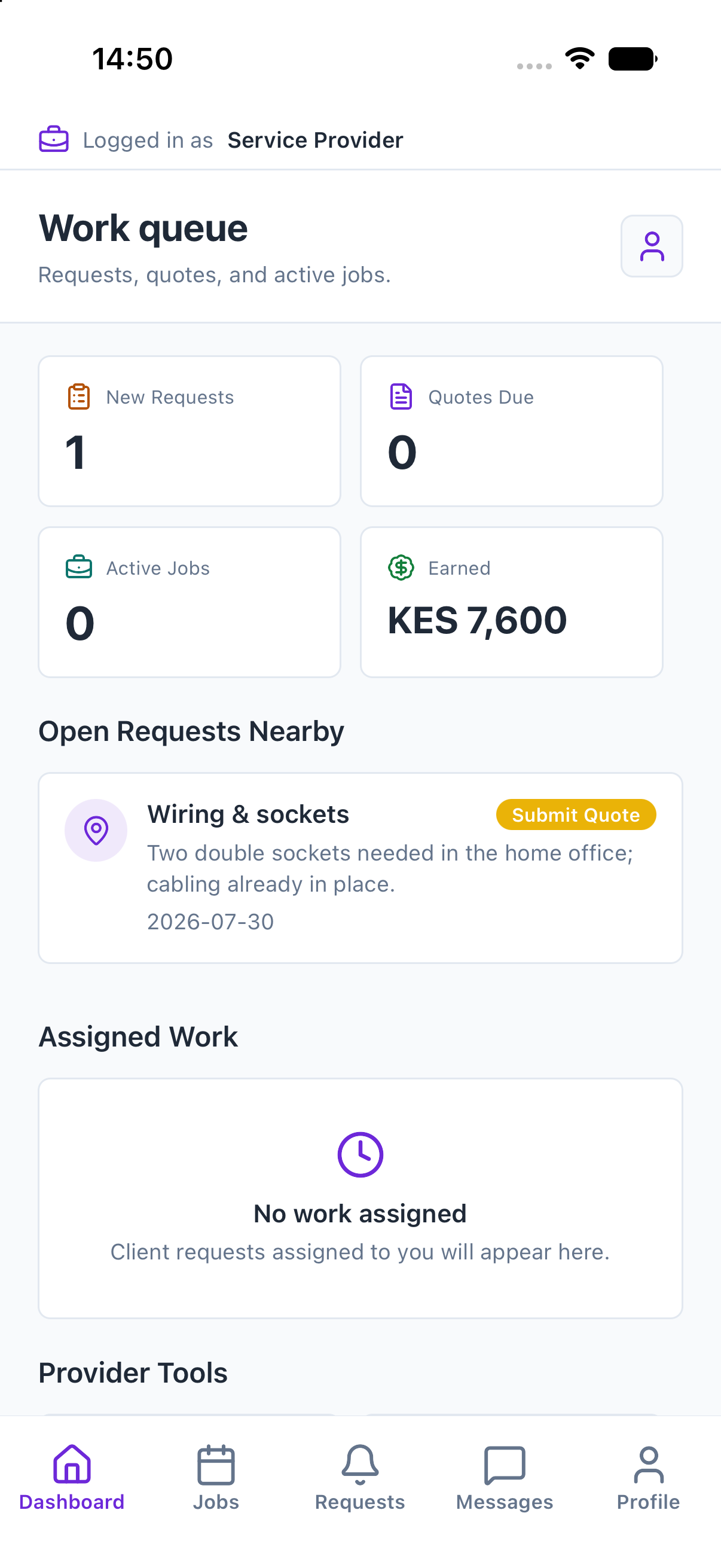
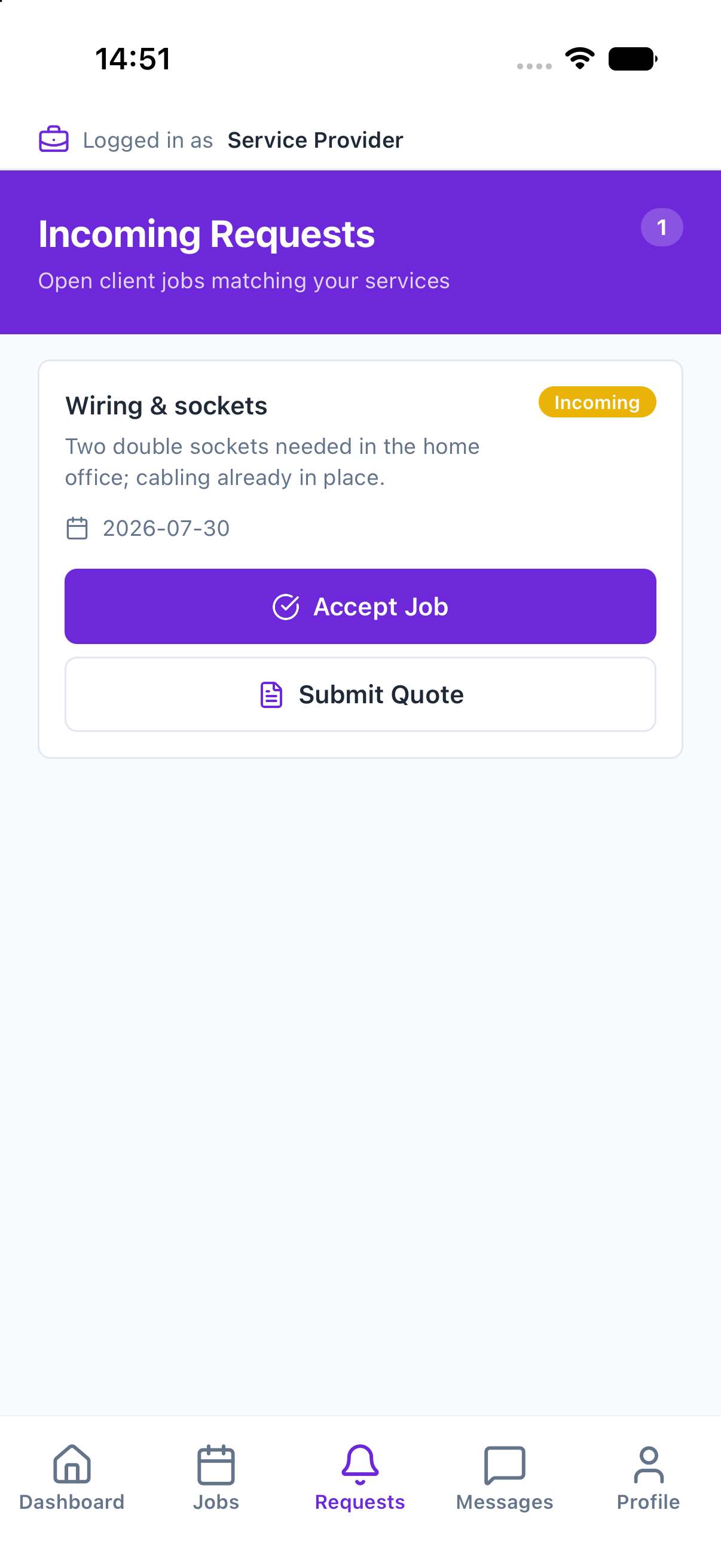
Get job alerts
Matching requests reach you instantly, even when the app is closed.
-
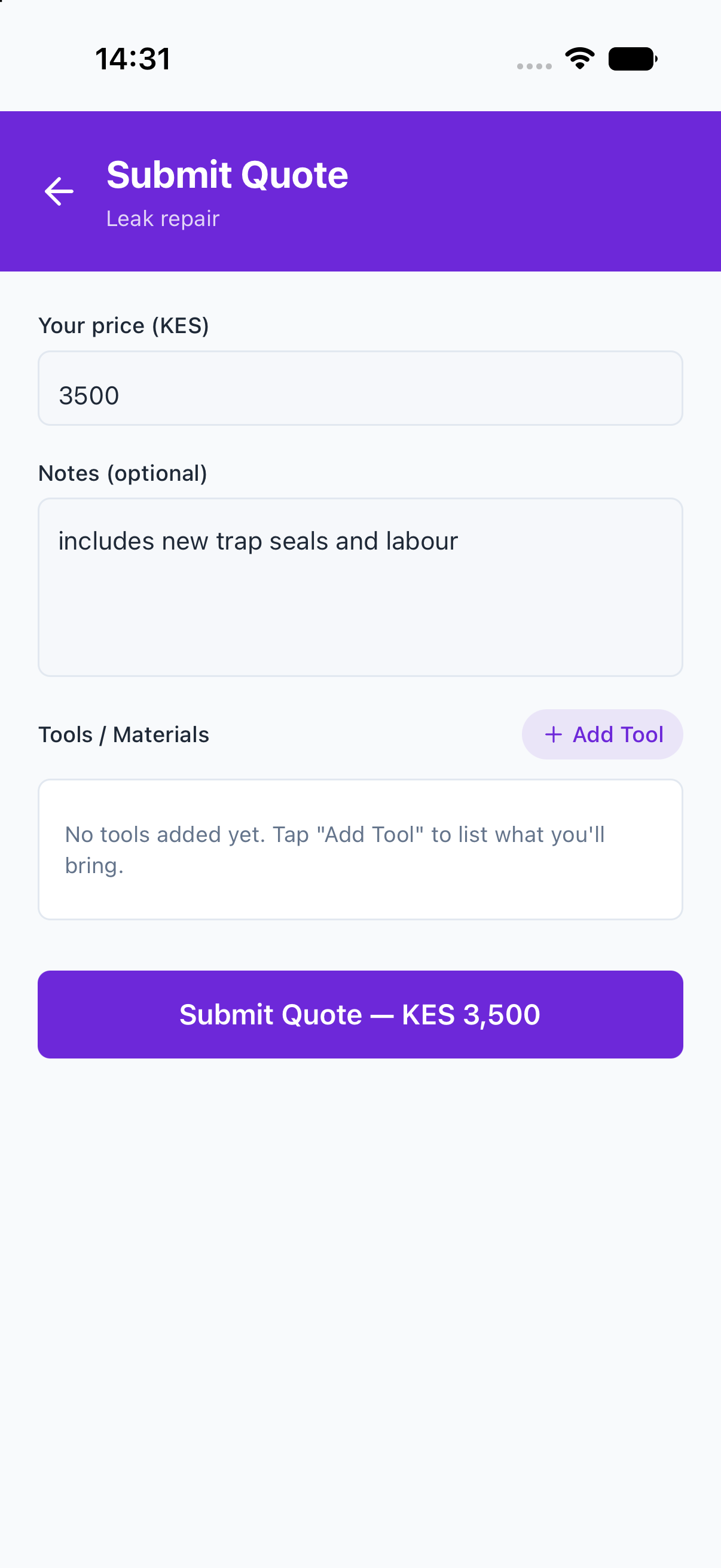
Quote or claim
Price the work with the full picture, or claim an open job first.
-
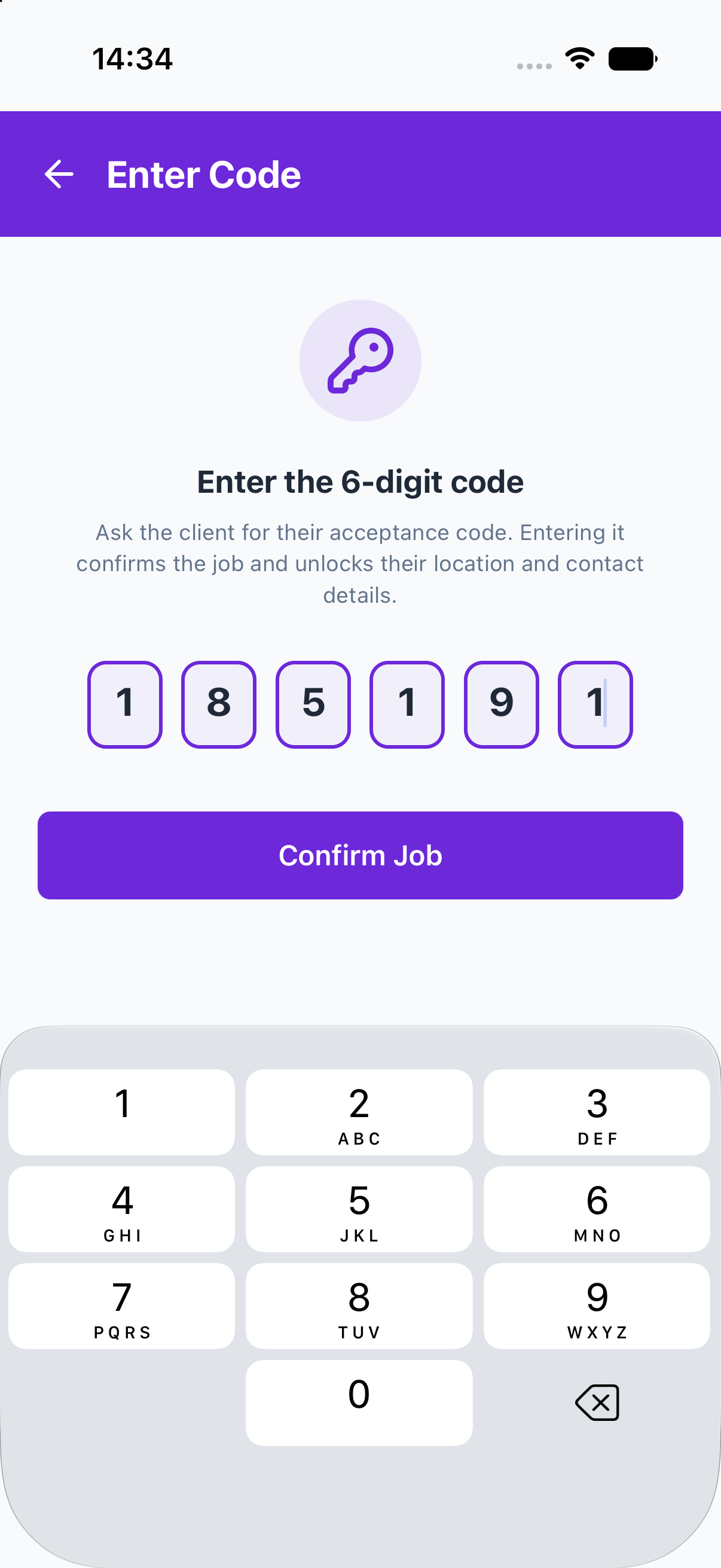
Redeem the code
Enter the customer’s 6-digit code to confirm the job and see the exact location.
-
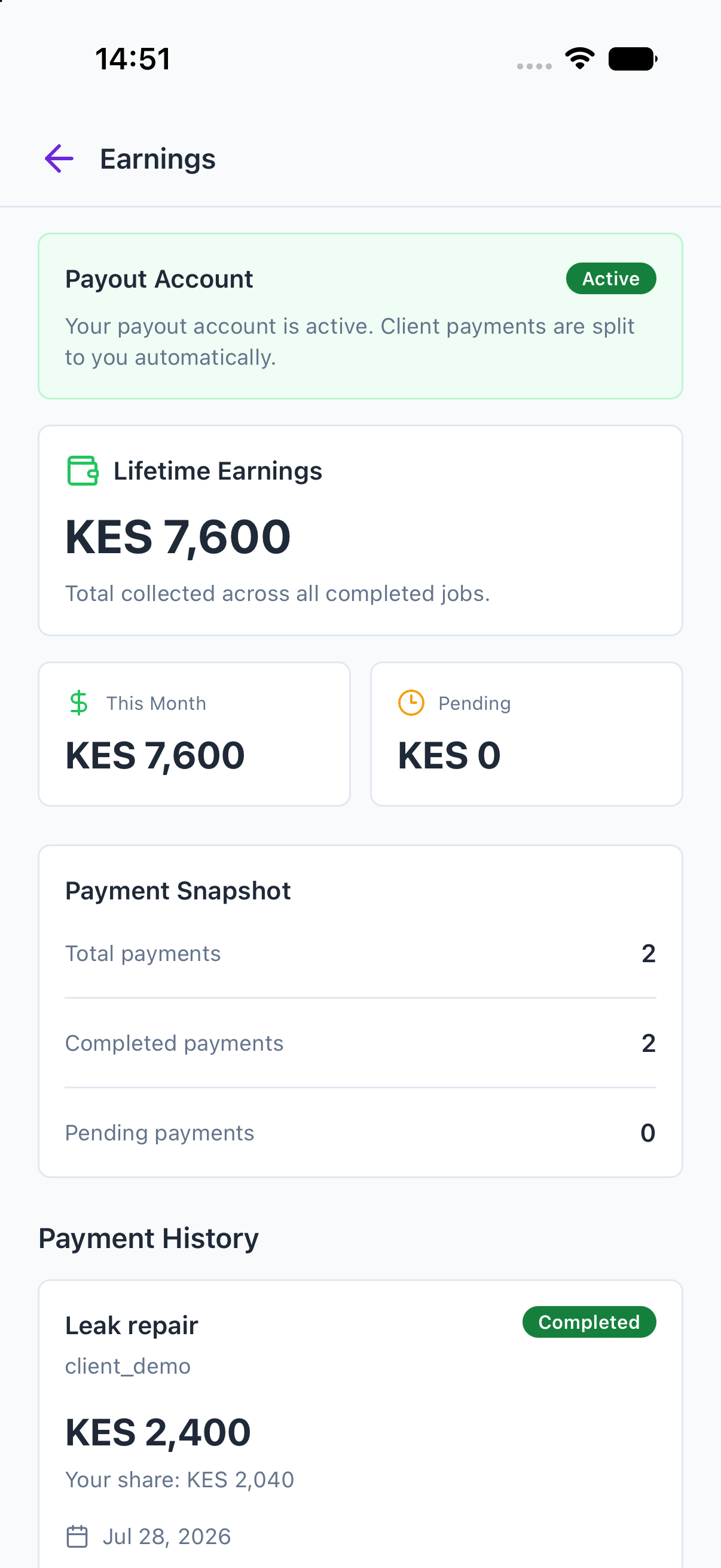
Finish & get paid
Mark the job complete; the customer pays and your share lands in your payout account automatically.
-
Join & get verified
Sign up as a supplier and complete the same human-reviewed verification.
-
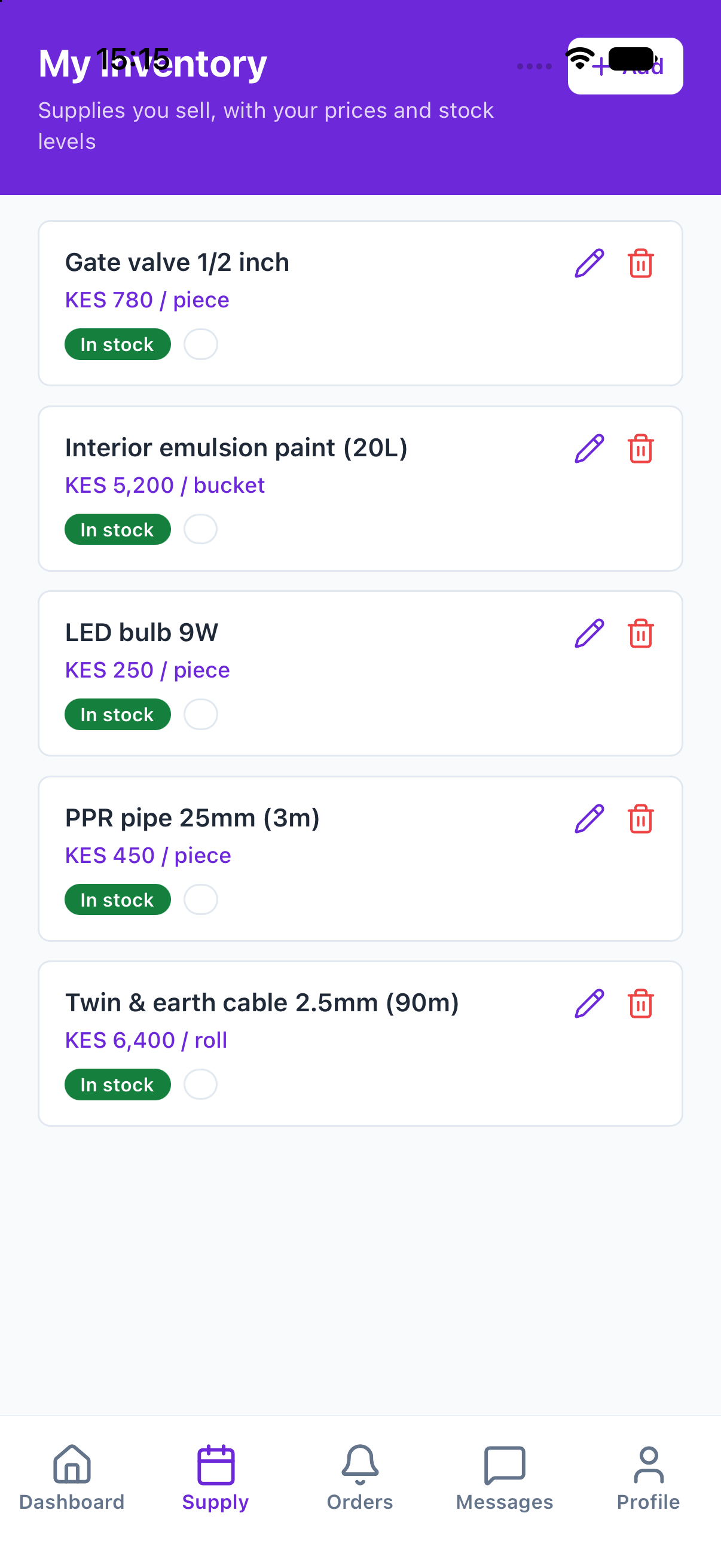
List your inventory
Add materials and parts with your own prices, units, and stock levels.
-
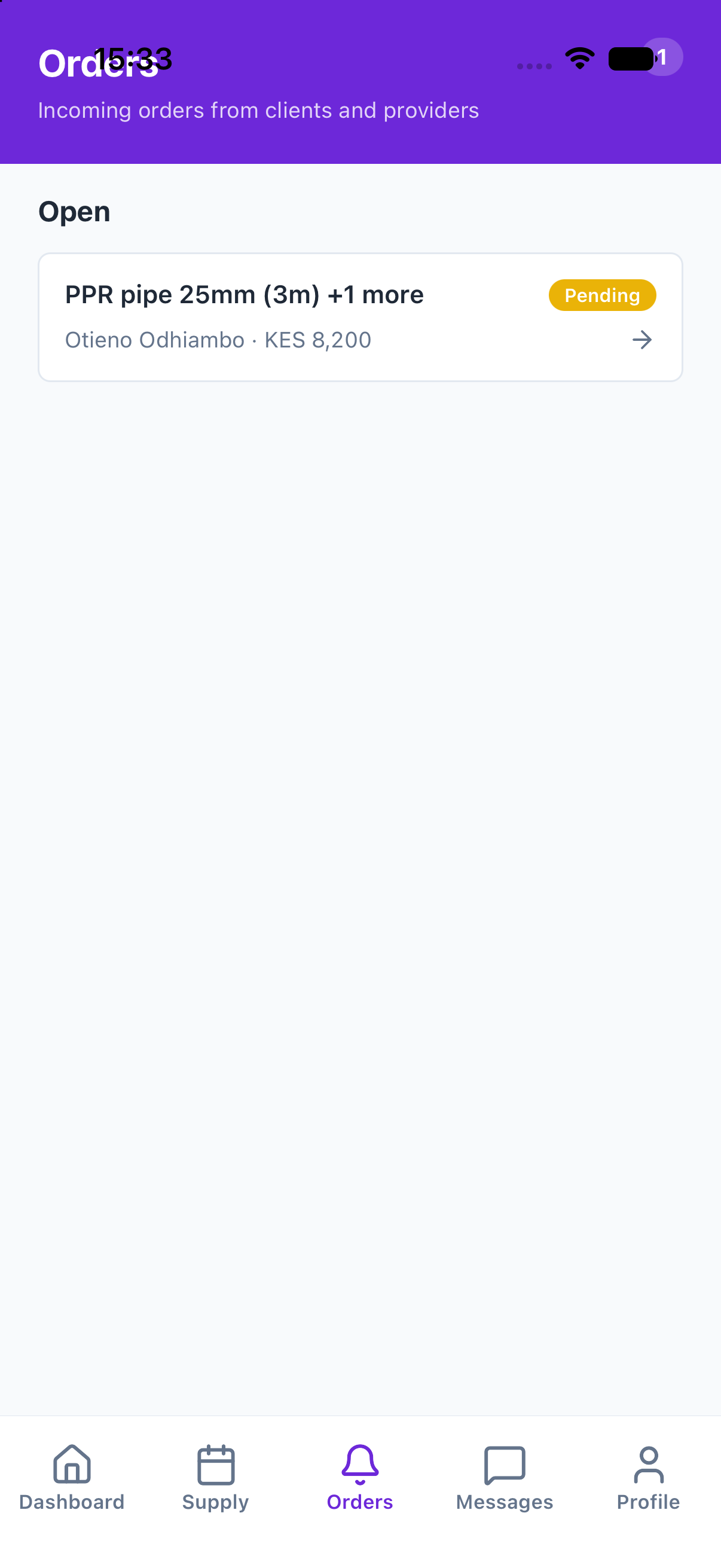
Receive orders
Providers and customers order straight from your catalog for their jobs.
-
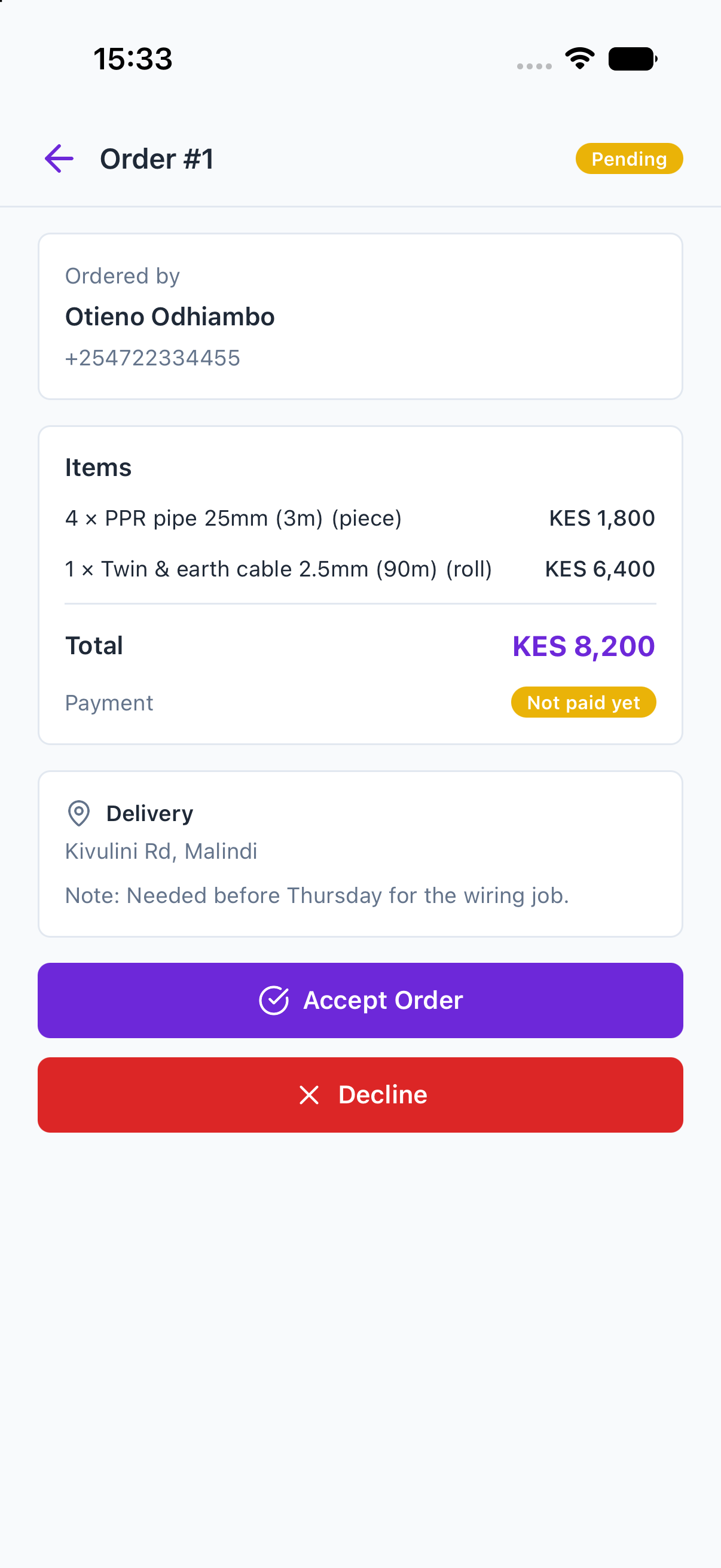
Accept & reserve
Accepting an order reserves the stock — no overselling, no surprises.
-
Fulfil the delivery
Mark the order fulfilled when it ships; the buyer confirms on arrival.
-
Get paid
The buyer pays in-app and your share is routed to your payout account automatically.
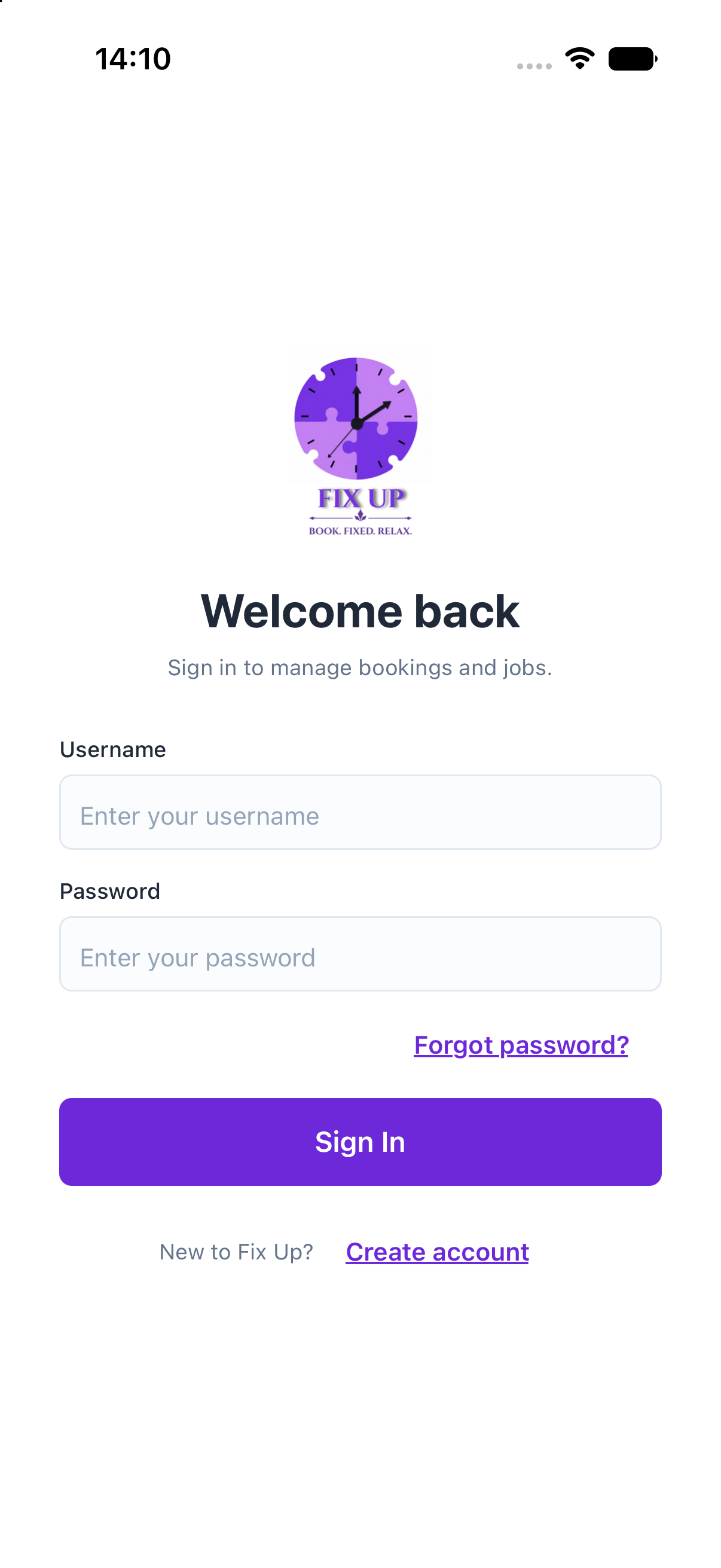
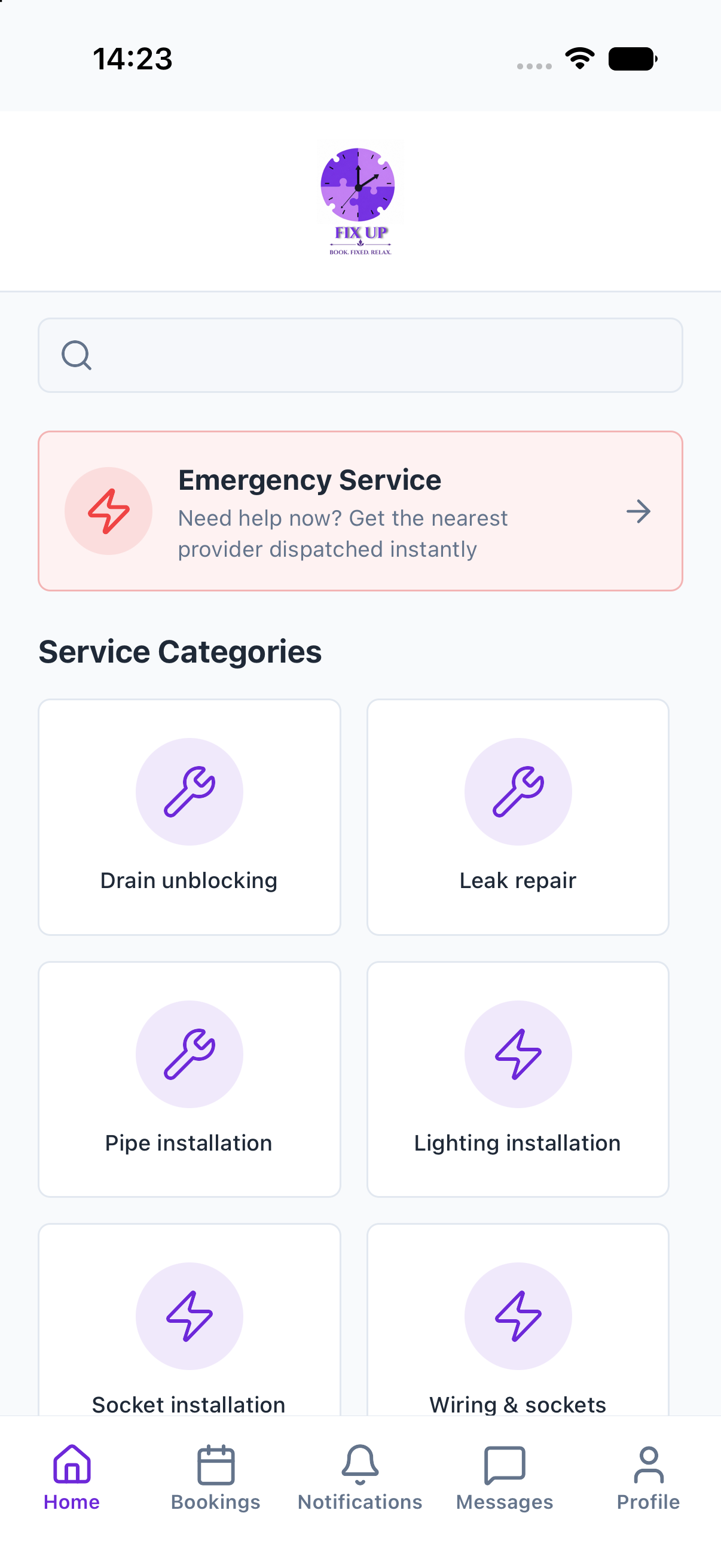
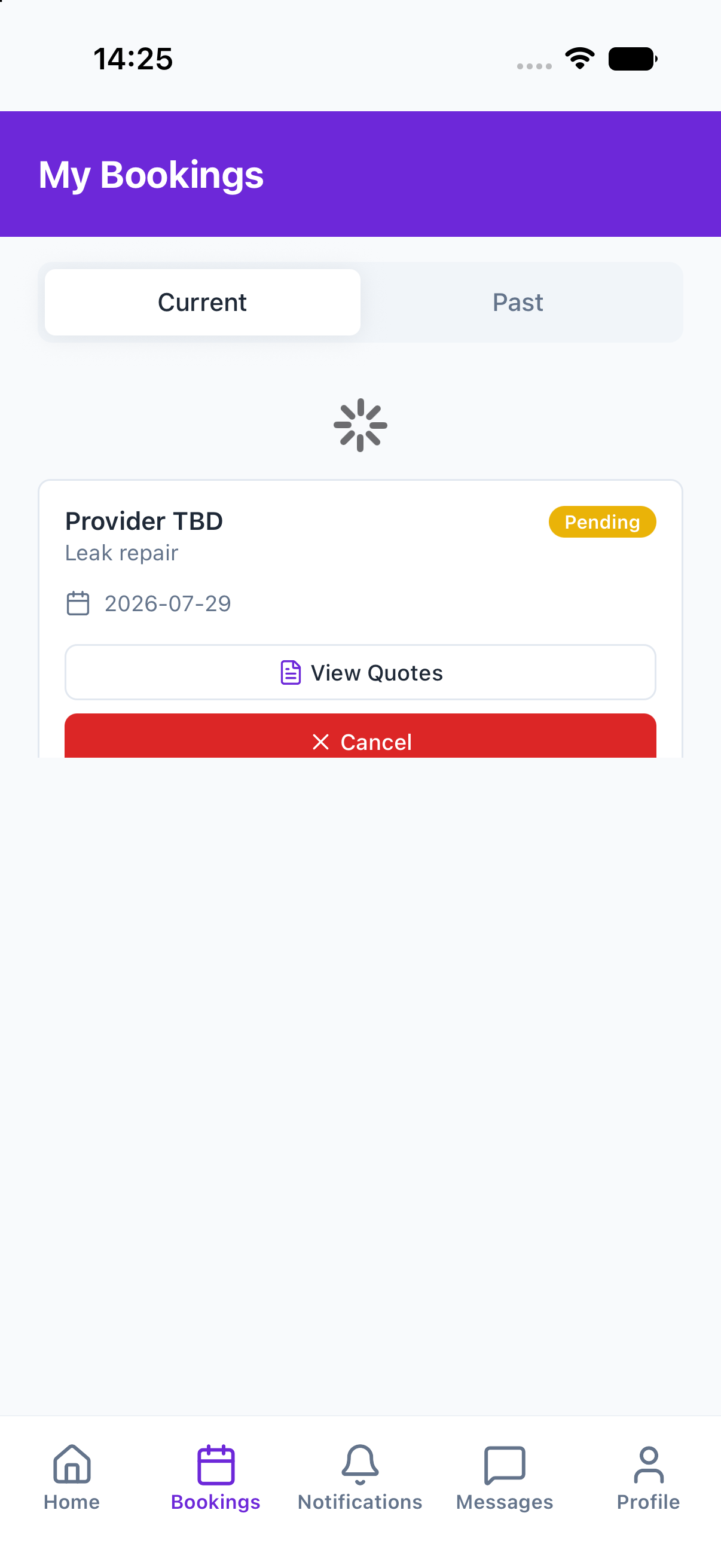
The customer flow, screen by screen
Straight from the app — request, quotes, secure payment, receipt.
The provider flow, screen by screen
A workspace built for winning jobs — requests, quoting, earnings.
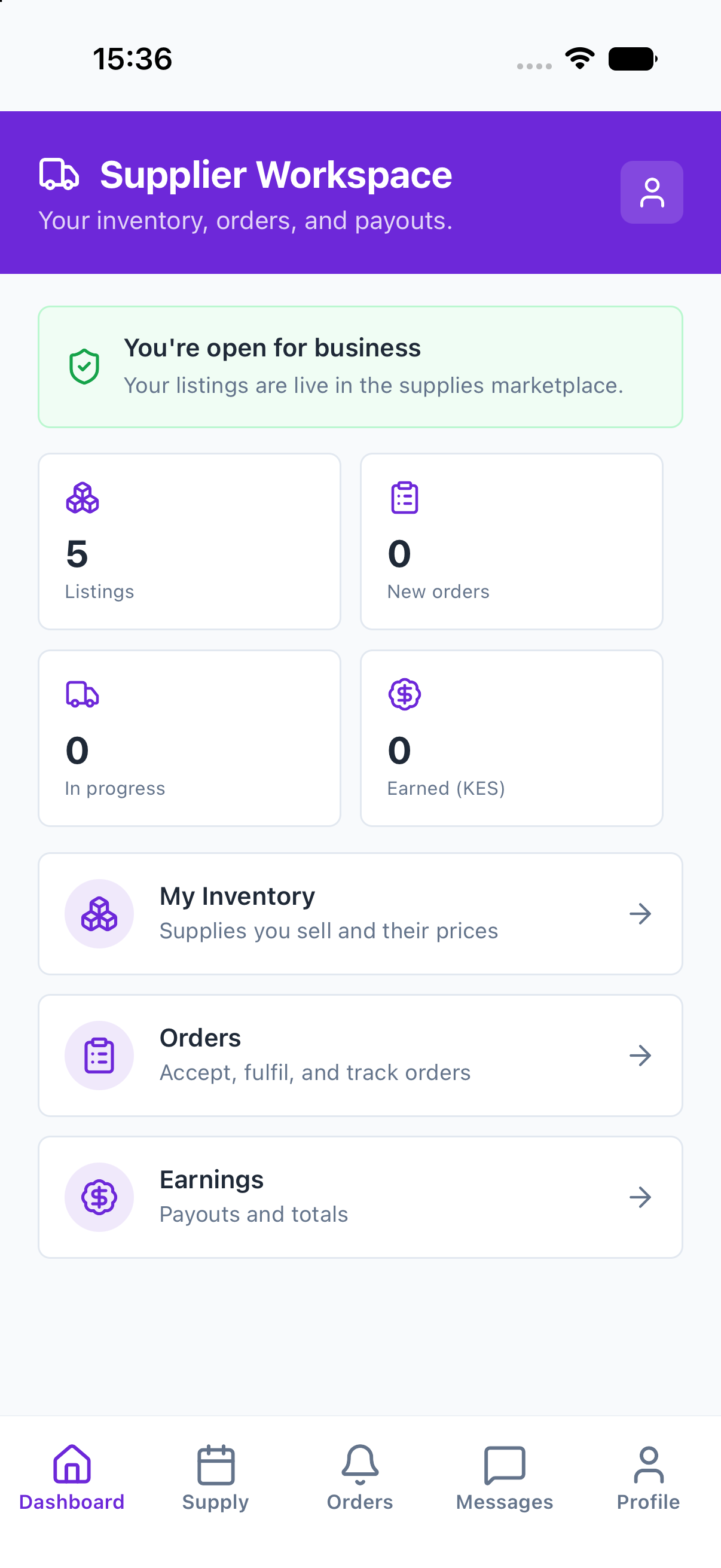
The supplier flow, screen by screen
A wholesale counter in your pocket — inventory, orders, payouts.
Ready to be first in line?
FIX UP is launching in Malindi. Join the early-access list as a customer or a provider and we’ll let you know the moment requests go live.